THE CLAUDE EDITING SYSTEM

What if your talking reels edited themselves?

Meet Yap Edits: the exact system I use to turn my raw, unedited "yap" videos into polished, scroll-stopping reels, using Claude as my editor. No editing app, no timeline, no staying up until midnight nudging captions.

film it → upload it → review it → post it ✨

🎉 Launch price (going up to $67) · One-time purchase · Yours to keep

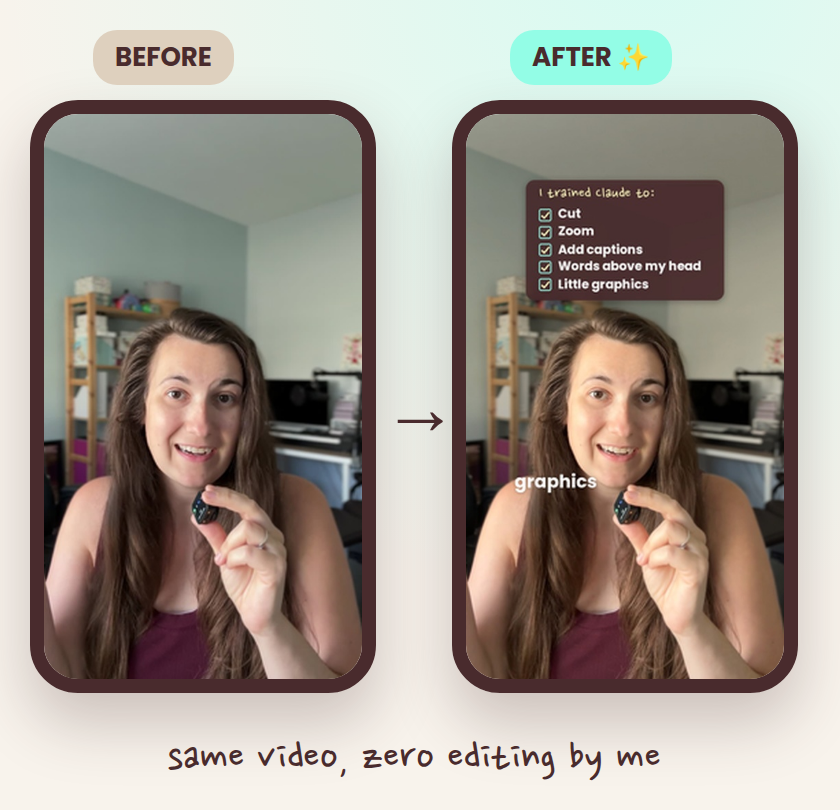
Before and after: Carolyn's raw talking reel next to the reel Claude edited for her

hey there! 👋

I'm Carolyn, a full-time working mom of three.

I'm going all in on my content right now, posting every single day for 30 days.

And here's the catch: I literally don't have any free time.

Filming a talking reel? That part's easy. I can do it in 5 minutes with my coffee. ☕

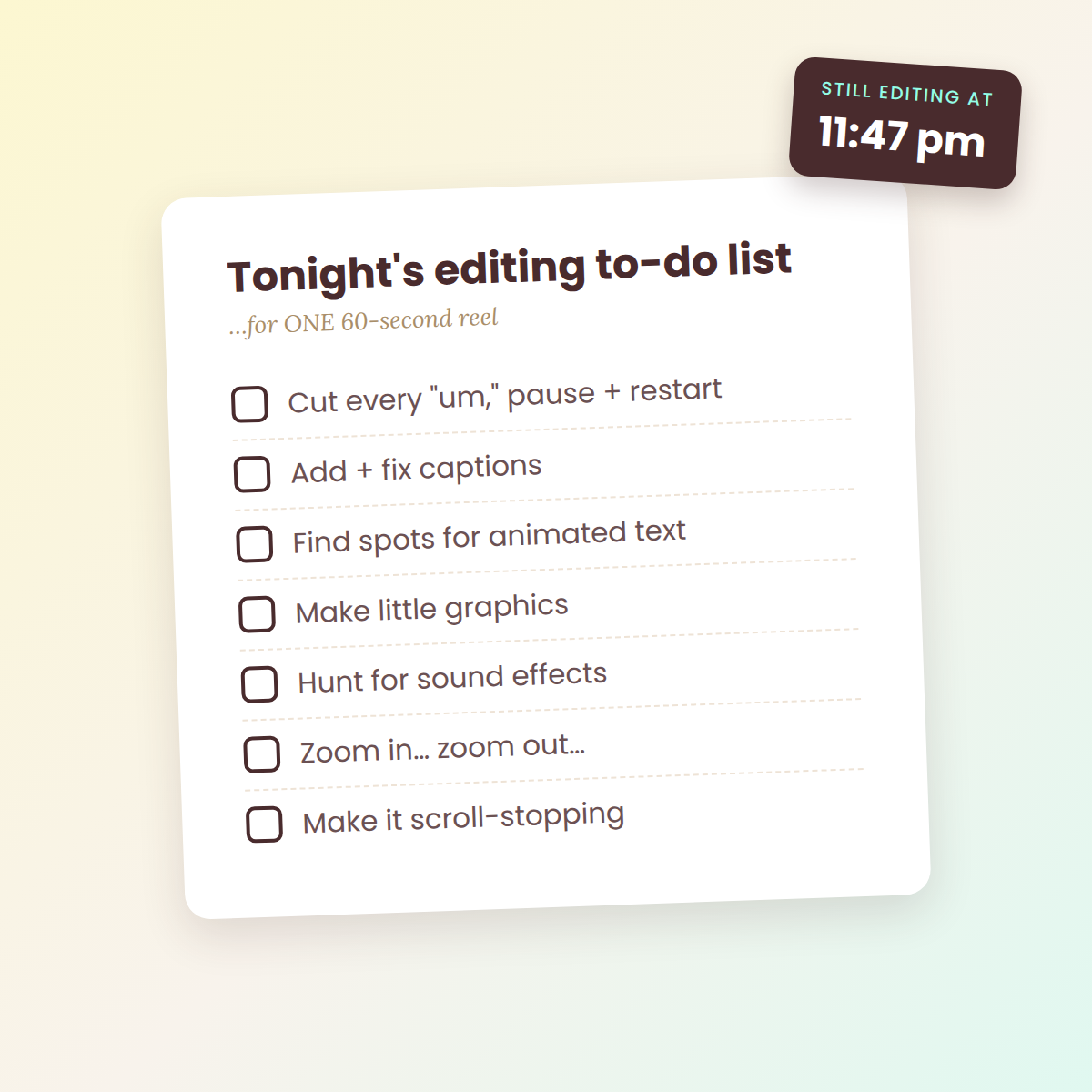
A late-night editing to-do list for one 60-second reel

But editing it? That's where my evenings disappear.

  • Cutting out every "um," pause and restart
  • Adding and updating captions
  • Finding the places to add animated text
  • Creating graphics
  • Adding a variety of sound effects…
  • Zooming in and out, and finding where it makes sense
  • Making it look good enough that people actually stop scrolling

Even when you're good at editing, it takes FOREVER. And it's the #1 reason so many of us have a camera roll full of videos we never post…

Raise your hand if that's you. 🙋‍♀️

so I tried something different…

I taught Claude to edit my reels exactly the way I wanted.

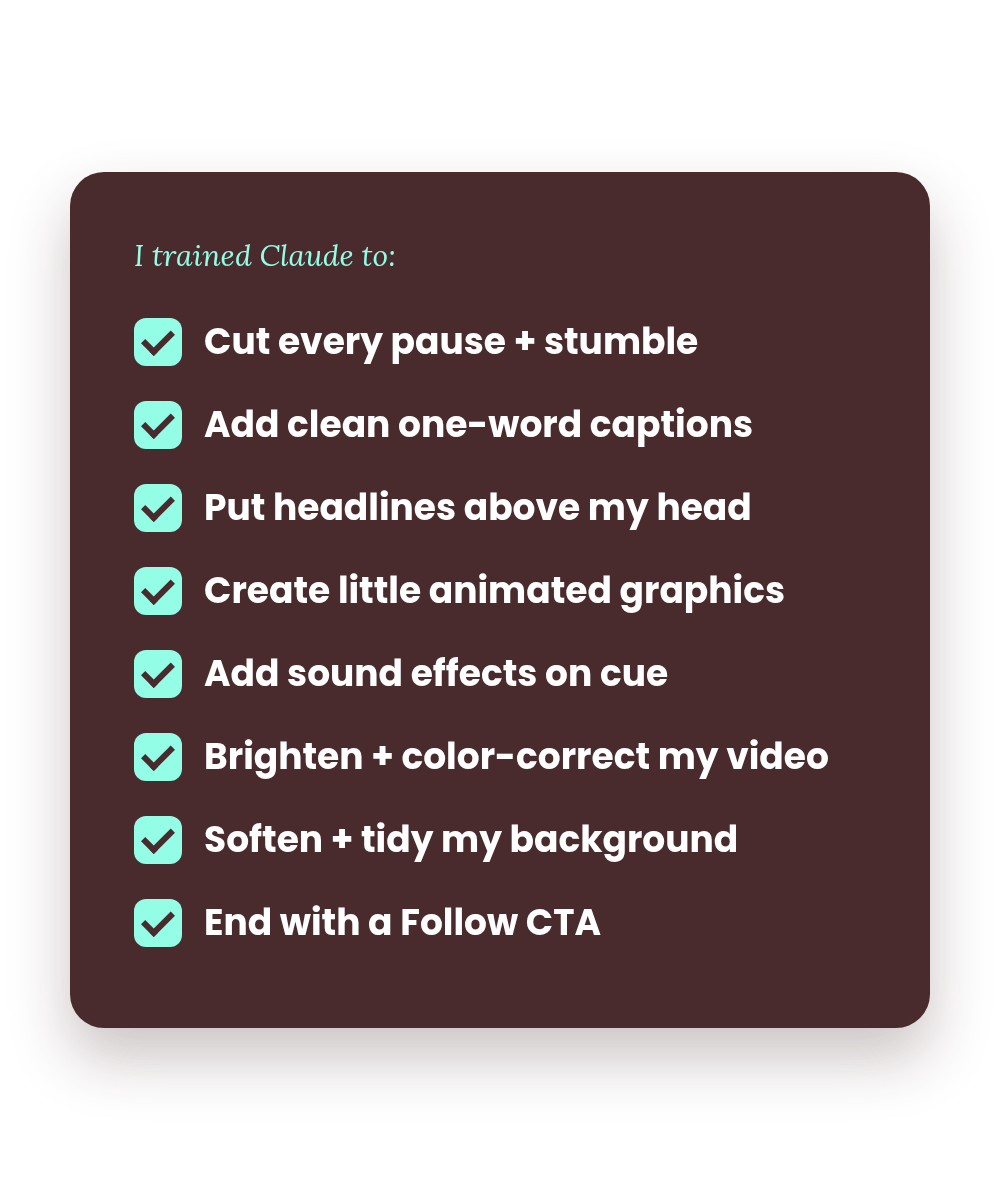
  • It cuts every pause, repeat and stumble so the video feels tight and fast (even the sneaky ones like "an… analytics")
  • It uses trending reel formats and adds clean one-word captions in the right spot
  • It puts bold headlines right above my head on the big moments
  • It creates little animated graphics (hearts, checklists, search bars, calendars and so much more) that match what I'm saying
  • It adds the right sound effects, at the right volume, at the right time
  • It brightens and color-corrects my footage, so I look bright and natural even in so-so lighting (no fiddling with brightness sliders)
  • It softens and tidies my background so I pop and my text is easy to read
  • It always ends with a call to action, like a Follow button that gets clicked

I gave it feedback, draft after draft, until the edits felt right. Warm, clean and engaging. Then I turned everything I trained it on into a system anyone can copy and paste.

That's Yap Edits. 💛

Checklist of everything Carolyn trained Claude to do in her reels

HOW IT WORKS

Set it up once. Then it's film → upload → review → post.

Step 1 icon

Train Claude using my system

Upload my playbook and customizable prompt to Claude, then fill in your personal blanks, like your brand colors and font preferences. This teaches Claude to edit exactly the way I do, but in your style. You only set this up once!

Tip: add them to a Claude Project so they're saved and ready for every new reel.

Step 2 icon

Film

Talk to your phone like you normally would to film a reel. Mess-ups are totally fine. Claude cuts them.

Step 3 icon

Upload your raw footage

Send your unedited video straight to Claude. No trimming, no captions, no prep needed.

Step 4 icon

Review + post 🎉

Claude sends you an edited draft. Tell it what to change, like "move the captions left" or "fewer zooms," and it updates the video. It also turns your feedback into rules for your next reel, so every edit gets closer to you. Then hit post!

That's it. Once Claude is trained, your whole editing process becomes film → upload → review → post. And if you want more guidance, there's a full walk-through training inside.

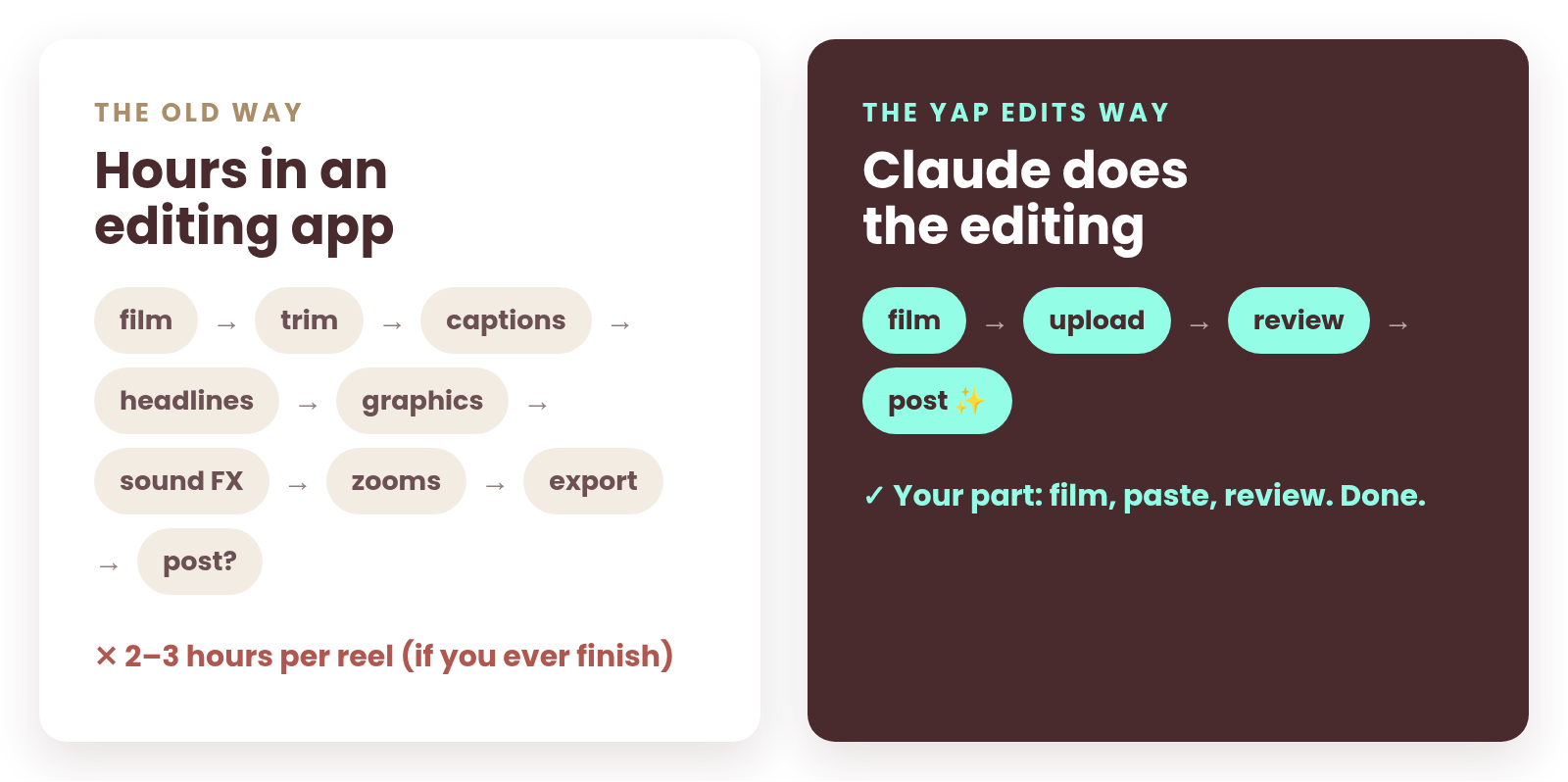
The old way: hours in an editing app. The Yap Edits way: film, upload, review, post.

WHAT'S INSIDE

Everything you need to turn Claude into your reel editor

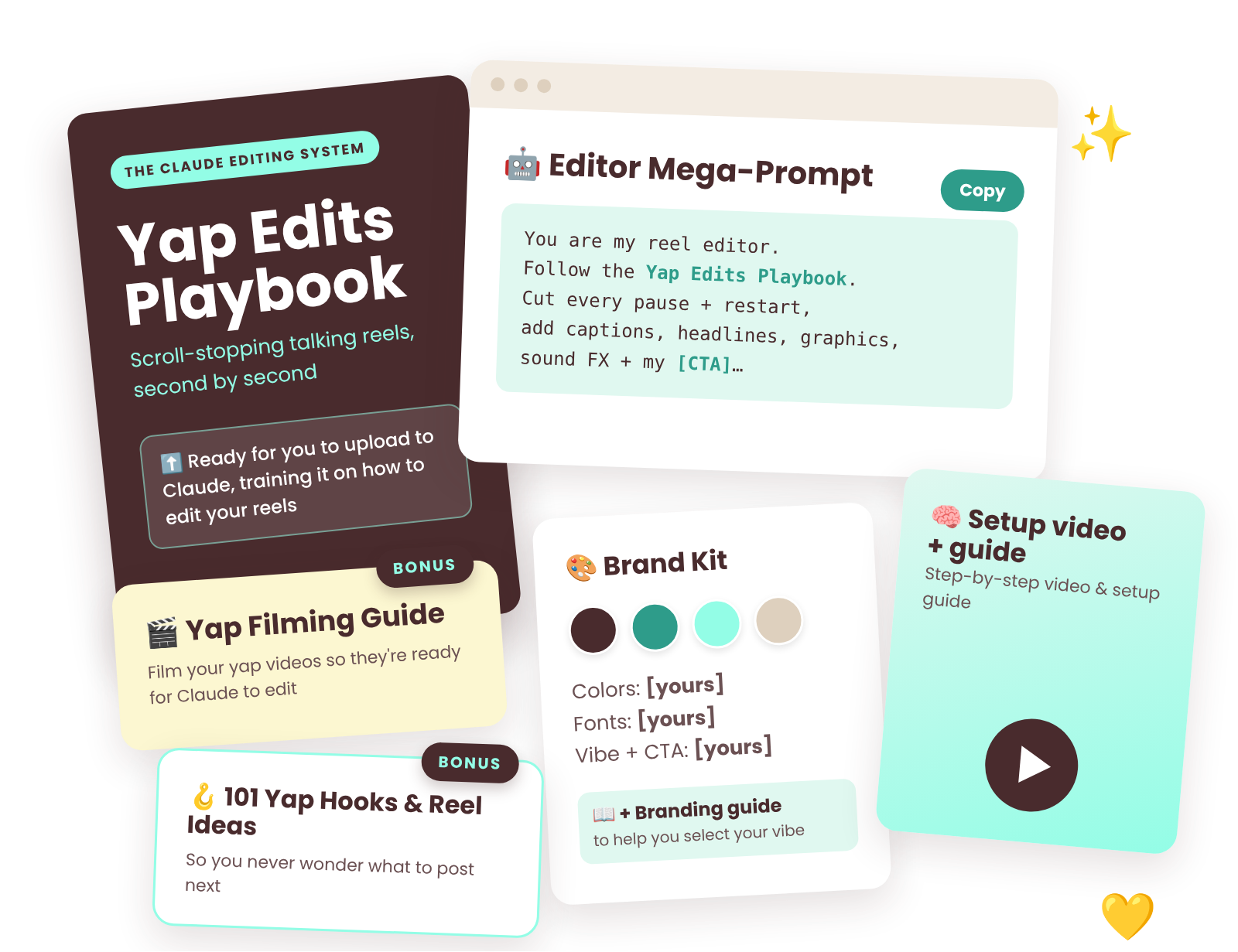
The Yap Edits kit: playbook, editor mega-prompt, brand kit with branding guide, setup video and guide, plus bonuses: the Yap Filming Guide and 101 Yap Hooks & Reel Ideas

📘 The Yap Edits Playbook

Ready for you to upload to Claude, training it on how to edit your reels. It breaks down the most engaging formats, second by second:

  • The 7 Laws every scroll-stopping reel follows
  • The anatomy of a talking reel, beat by beat
  • 4 go-to reel formats you can steal
  • My "trigger → treatment" cheat sheet: what to show on screen when you say what, and what sounds when
  • Exact caption, text, pacing and sound specs (down to the second)
  • The pre-publish checklist I run before every post

🤖 The Copy-and-Paste Claude Editor Mega-Prompt

The one dedicated prompt that turns Claude into your personal reel editor (when paired with the playbook). Every rule from my edits is baked in:

  • Clean cuts
  • Captions + headlines
  • Graphics + sound effects
  • Background cleanup + zooms
  • Your end-of-video CTA

🎨 Brand Kit Customization

Plug in your colors, fonts, vibe and CTA once, and every reel you make comes out looking consistently you.

📖 Plus a branding guide to help you select your vibe.

🧠 Step-by-Step Setup Video & Guide

A step-by-step video walk-through plus a written setup guide, so you're never guessing.

BONUS

🎬 Yap Filming Guide

Film your yap videos so they're ready for Claude to edit.

NEW BONUS

🪝 101 Yap Hooks & Reel Ideas

101 fill-in-the-blank, attention-grabbing hooks + 30 talking reel ideas, so you never wonder what to post next.

and I'm here if you have questions! 💛

👀 See the difference

Same video. On the left, my raw clip. On the right, the reel Claude edited for me.

same video, zero editing by me

BEFORE (raw)


AFTER (edited by Claude)


REAL CREATORS, REAL RESULTS

What people are saying

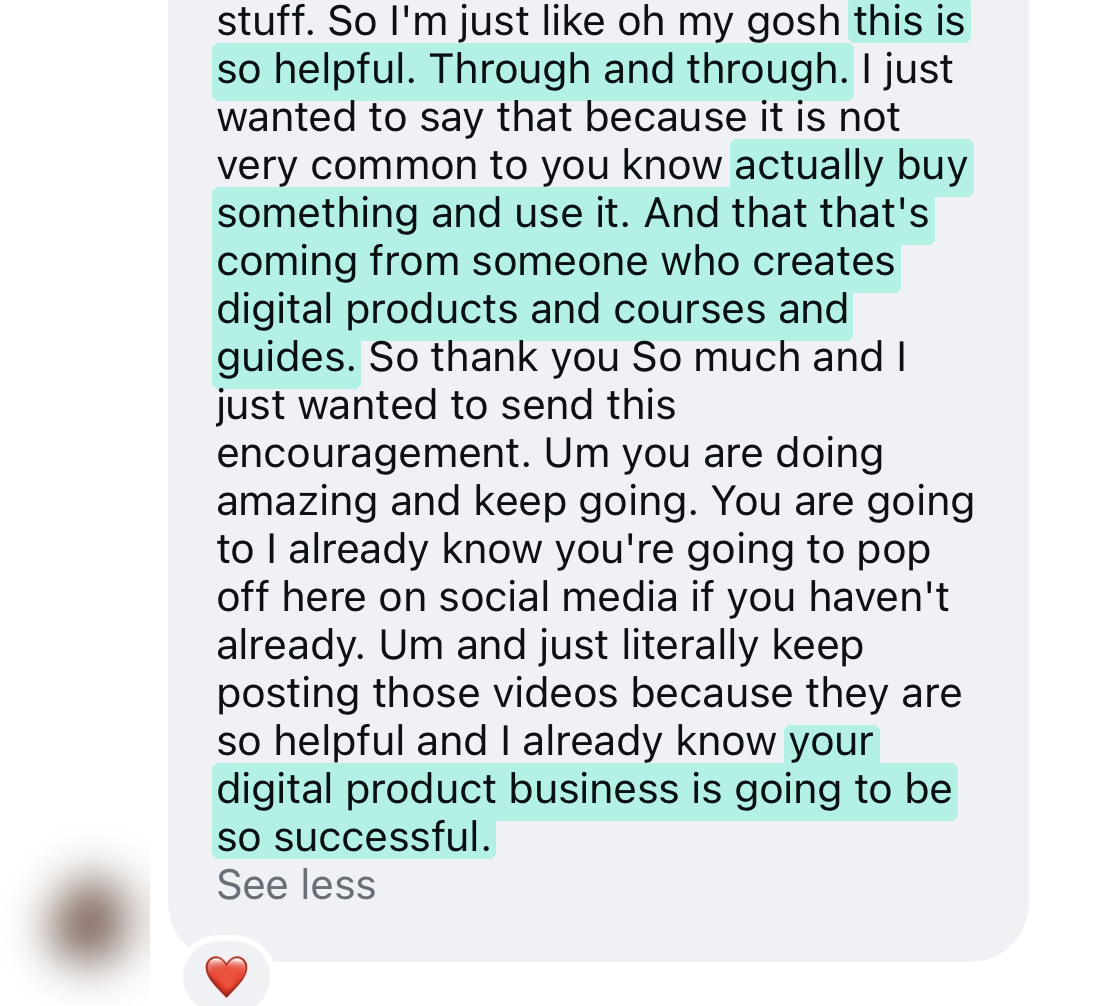
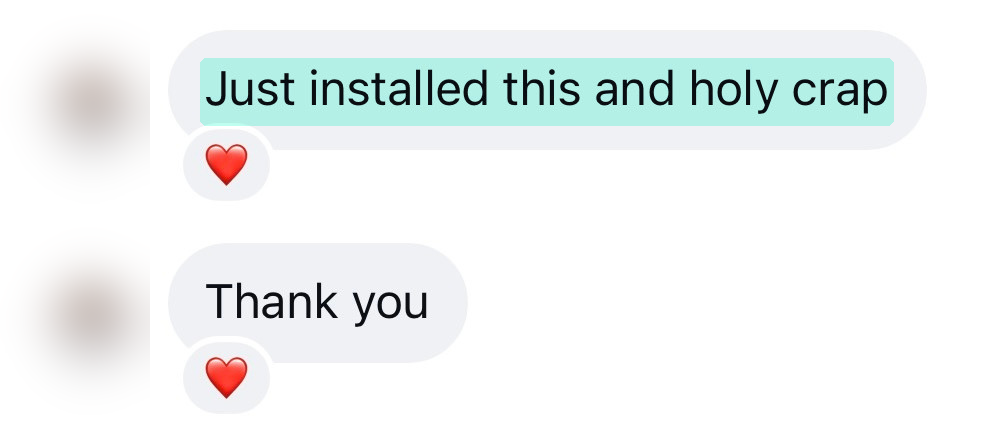
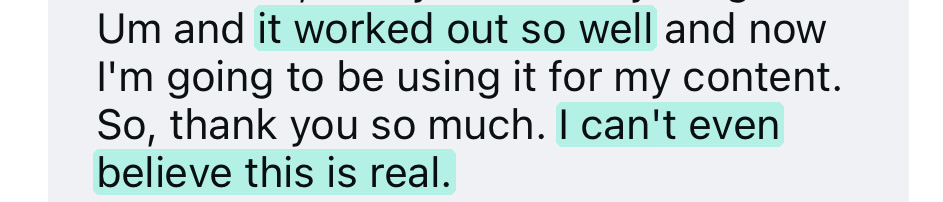
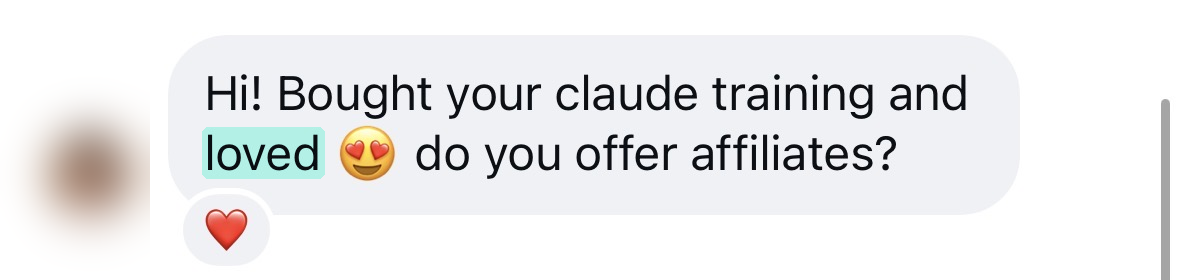
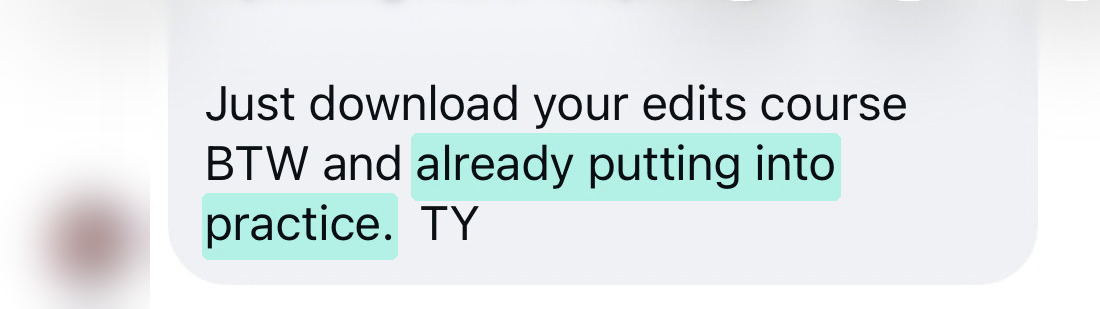
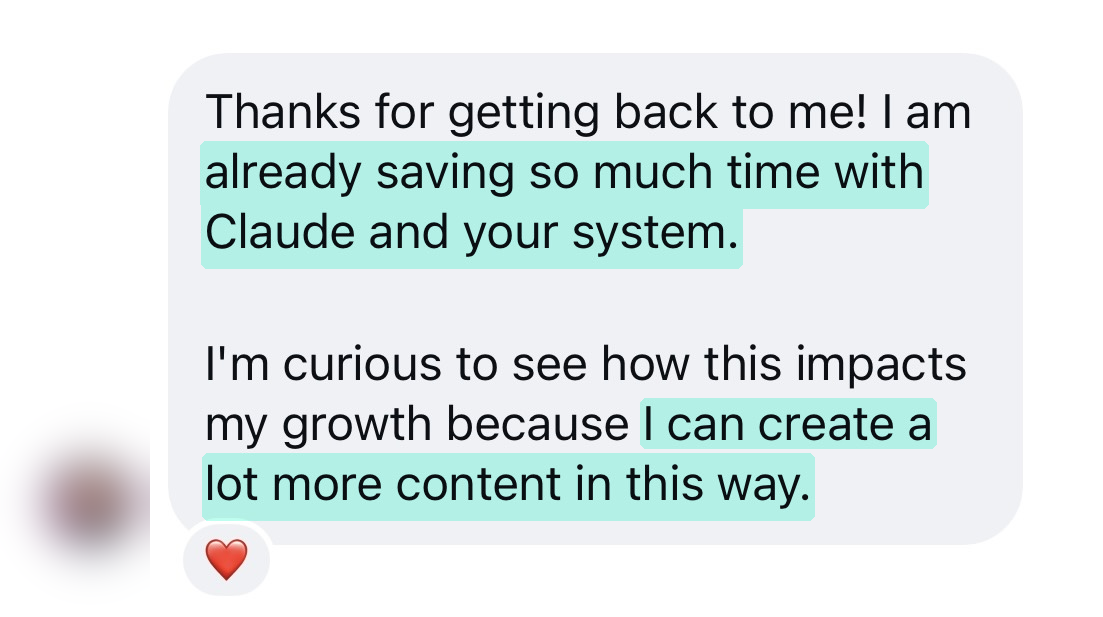
Instagram message from a Yap Edits customer

I absolutely love this product! Creating Reels consistently can feel overwhelming, especially when you’re trying to come up with fresh ideas, strong hooks, and content that still feels authentic to you. This has made that process so much easier.

What I appreciate most is that it gives me a starting point without making my content feel cookie-cutter. I can take the ideas and make them my own, which has helped me create more confidently and consistently. I’ve already used several of the concepts in my real estate content and have genuinely loved the results.

It’s practical, easy to use, and one of those resources that actually makes content creation feel more manageable. I would absolutely recommend it to anyone who wants to show up more consistently on social media without spending hours wondering what to post next!
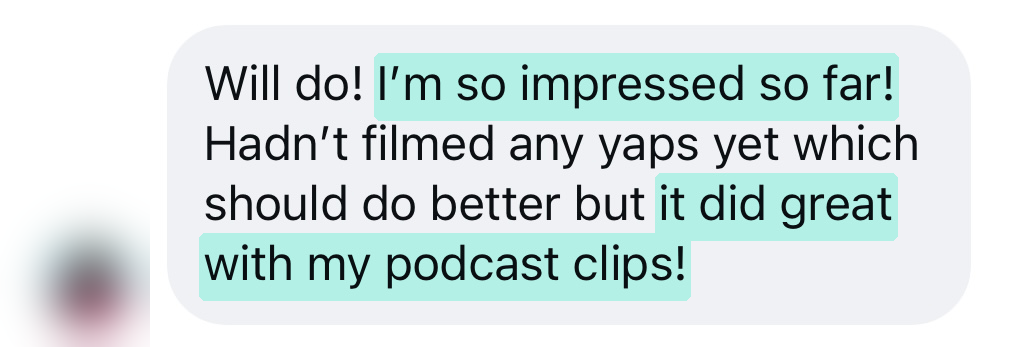
Instagram message from a Yap Edits customer

Wow! It just edited a reel, so cool! Thanks!

Instagram message from a Yap Edits customer

Is Yap Edits for you?

This is for you if…

✔️ You make (or want to make) talking reels, "yap" videos, or storytelling content

✔️ You're a busy creator, mom, coach or small business owner with limited to no spare time

✔️ You've got videos sitting in your camera roll because editing feels like a mountain

✔️ You want your reels to look polished and on-brand without learning a complicated app

✔️ You're curious about AI but want someone to hand you the exact words to use

This probably isn't for you if…

✖️ You don't want to film talking reels

✖️ You mostly make B-roll, dance or trending-audio reels with no talking

imagine this for a sec…

You film during nap time. You upload your video to Claude. You go fold that laundry pile (or let's be real, finally sit down for 5 minutes 😅).

You come back to an edited reel: tight pacing, clean captions, cute graphics, sound effects, and a Follow button at the end.

You watch it, ask for a tweak or two, and then post.

That's the difference between wanting to show up consistently and actually doing it.

LAUNCH PRICE

Get editing off your plate

What you'd normally pay for this

🎬 Hiring a reel editor: $25–$100+ per video

📚 An editing course to learn it all yourself: $67–$297

⏰ Hours of your time, every single week: priceless!

Yap Edits is less than what most editors charge for ONE reel 🙌

And you only have to set it up once!

Yap Edits

$47 one-time

The Claude Editing System · Launch price (regularly $67)

  • The Yap Edits Playbook (Built to train Claude)
  • The Claude Editor Mega-Prompt
  • Branding Guide + Personalized Customization
  • Step-by-Step Setup Video + Guide
  • Bonus: Yap Filming Guide
  • Bonus: 101 Yap Hooks & Reel Ideas
  • Use it on every reel, forever
Grab it for $47 →

One-time purchase. Yours to keep. Launch price ends soon, then it goes up to $67.

Questions? I've got you.

Do I need to be techy?

Nope! If you can copy, paste and upload a video, you can do this. The prompt and playbook tell Claude exactly what to do.

What do I need to use it?

A paid Claude plan that lets you upload videos and create files. I edited all of my own reels on the Claude Pro plan ($20/month or $17/month on annual plan), so that's what I recommend. You'll also need your raw video and the colors and fonts you want Claude to use. (If you don't have any, that's okay, you can borrow mine!) There is also a branding guide with suggested colors and fonts included inside Yap Edits.

You'll also need to download the Claude Desktop App; the app is available for:
- macOS: macOS 13.0 or higher (Intel or Apple Silicon)
- Windows: Windows 10 or higher
- Linux: Ubuntu 22.04 LTS or higher, or Debian 12+ with KVM/QEMU configuration
Additionally, your device will need at least 8 GB RAM and 25 GB of free disk space.

Lastly, you'll need workspace internet access turned on in Claude. This lets Claude reach the speech-to-text model (for your captions) and load your fonts.

Will my reels look exactly like yours?

They'll follow the same system, but with your colors, fonts, vibe and CTA. That's what the brand kit is for. Once Claude is trained on the editing system, you can also tell it your personal preferences.

How long does an edit take?

It depends on the length of your video, but instead of hours in an editing app, your part is filming, pasting the prompt and reviewing. Plan on a round or two of small tweaks on your first few reels while Claude learns your style.

Does it work for Instagram, TikTok and YouTube Shorts?

Yes! Everything is made in vertical 9:16 for Instagram or Facebook Reels, TikTok and Shorts.

Is it perfect every single time?

AI is amazing, but it's not magic. You'll always want to watch your draft before posting, and sometimes you'll ask for a tweak. That's part of the system, and your feedback makes every reel after it better.

Can I share it with a friend?

This system is for your personal use only. Send your friend the link to this page so they can grab their own! 🥰

Refunds?

Due to the nature of this digital product, all sales are final and there are no refunds. If you have any questions before you buy, DM me! I'm happy to help. 💛

Ready to stop spending hours editing, and start posting?

You don't need more hours in your day. You need your editing off your plate.

Let's make showing up consistently the easy part.

With love, Carolyn 💛

Working mom of 3, going all in on content, even with limited time.

P.S. Every reel you don't post because editing takes too long is a missed chance to reach the person who needed to hear it. This system is how I'm showing up every single day for 30 days on top of a full-time job and three kids. If I can do it, so can you.